Automation Bots
First MSP Automations to Build: A Practical Starting List
August 17, 2026

Most MSPs don't fail at automation because they pick the wrong tool. They fail because they try to automate everything at once, stall out three months in, and end up with a half-configured platform nobody trusts. The MSPs who actually get value from automation start narrow, on purpose.
The good news is you don't have to guess where to start. A handful of workflows account for the majority of repetitive tech time at almost every MSP, and each one maps cleanly to a specific fix. This is a practical MSP automation checklist built around that idea: what to automate first, why it's worth doing before anything else, and which tool actually solves each problem.
Why "Automate Everything at Once" Is the Wrong Starting Point
It's tempting to treat automation as a single big project: map every workflow, configure every bot, roll it out to the whole team in one push. In practice, that approach usually stalls before it delivers anything, because there's no early win to build confidence around and no clear place to start troubleshooting when something breaks.
The better starting point is the handful of workflows already eating the most tech time, the ones techs handle dozens of times a week without thinking about it. Automate those first, prove the value, and expand from there.
Start With the Workflows Eating the Most Tech Time
A useful starting number: roughly 70 percent of inbound tickets at a typical MSP are variations of about fifteen recurring workflows, according to industry data on MSP automation priorities. Password resets alone commonly account for 30 to 50 percent of all helpdesk tickets. None of that work requires senior judgment. All of it is billable time better spent elsewhere.
Password Resets and Repetitive Requests
This is the single highest-volume category at most service desks, and it's also the easiest to automate first because the logic rarely changes: verify the request, reset the credential, log the activity in the PSA. Automation Bots is built for exactly this kind of repetitive, rules-based work, along with the time entry reminders and process consistency checks that tend to slip when techs are heads-down on tickets all day.
Alert Overload and SLA Slippage
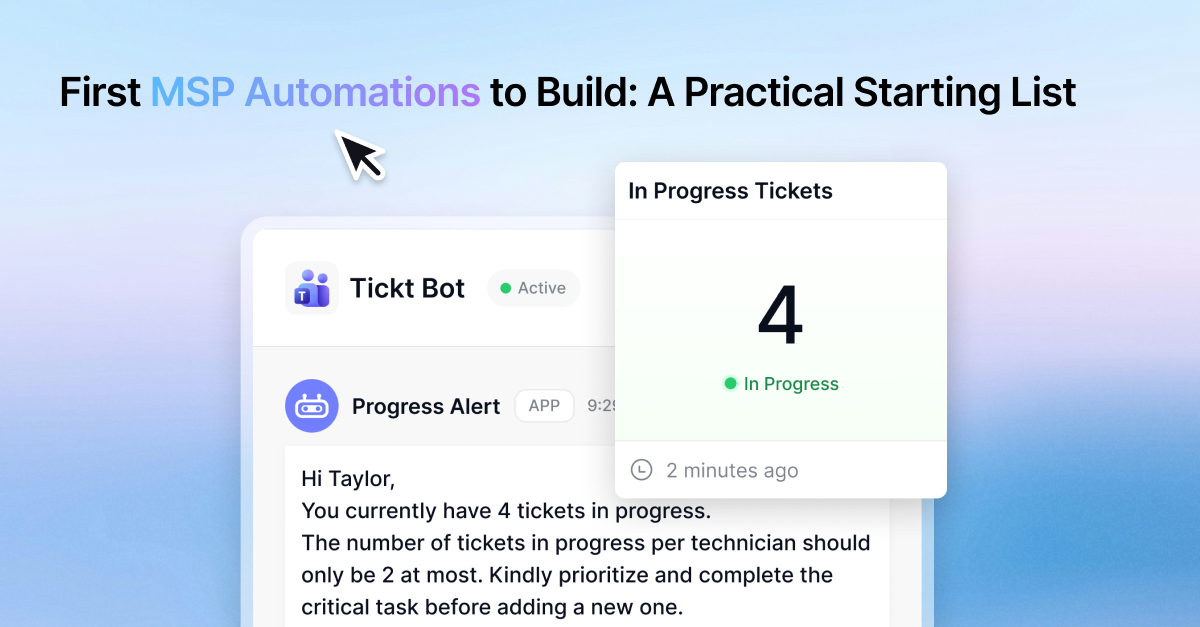
Alert fatigue is its own automation problem. When techs are getting notifications from five different monitoring tools, the ones that actually matter get buried, and SLA thresholds quietly slip past without anyone noticing until a client complains. Automation Bots handles this by turning live operational signals, an SLA about to breach, a ticket aging without an update, into a direct alert with escalation built in, rather than one more notification competing for attention in an inbox.
What Ticket Workflows Should MSPs Automate First?
Beyond the repetitive requests, the ticket lifecycle itself has three stages worth automating in sequence, and each one maps to a different tool.
Getting Tickets In the Door
After-hours calls are either answered by an expensive dispatcher, a basic answering service, or nothing at all. AI Ticket Intake automates the intake step itself, answering calls and creating a complete ticket in your PSA before a technician is even involved.
Sorting and Routing
Once a ticket exists, someone has to categorize it correctly and get it to the right technician. AI Ticket Triage handles the categorization and prioritization automatically, and NextTicket Dispatch takes it from there, using a point-based system so technicians pull the highest-priority ticket themselves instead of waiting on a human dispatcher or cherry-picking the easy ones.
Reviewing the Work
The last stage most MSPs skip entirely is quality review, because manual peer review of every ticket simply doesn't scale. AI Ticket QA reviews every closed ticket against a configurable rule set and bounces back anything that doesn't meet standard, so quality checking happens on all of your tickets instead of a small manual sample.
Don't Forget the Client-Facing Side
Everything above automates internal workflow, but client sentiment is its own signal worth catching early, ideally before a client ever fills out a survey. Sentiment Max reads ticket notes in real time and flags frustration before it turns into a churn conversation. For a deeper look at why sentiment and ticket quality need to be tracked together rather than separately, see our breakdown of MSP customer feedback automation.
How Do You Know Which Automation to Build Next?
Once the highest-volume workflows are automated, the next priority isn't obvious from memory, it's whatever is actually consuming time and money right now, which changes as your client base and team grow. That's a visibility problem, not a guessing problem. A business intelligence dashboard that shows where tickets are piling up, which workflows still involve the most manual touches, and where SLA risk is concentrated gives you a data-backed answer instead of a hunch, so each new automation you build is solving the problem that's actually costing you the most right now.
The Bottom Line on Building Your First MSP Automations
Start with the workflows already consuming the most repetitive tech time, not the most ambitious ones. Password resets and alert handling come first because they're high volume and low complexity. The ticket lifecycle itself, intake, triage and dispatch, and quality review, comes next, each with its own dedicated piece rather than one tool trying to do everything. MSPbots covers each of these stages individually, from Automation Bots through Business Intelligence, so you can automate one workflow at a time and see the impact before moving to the next. If you're not sure which one to tackle first, booking a demo is a good way to map your own ticket data against this list.
August 17, 2026